Set Up CalDAV Connection in Evolution
To add your mail.de calendar in Evolution, follow these steps:
-
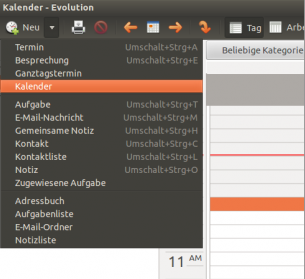
Open Evolution and click "New/Calendar".
-
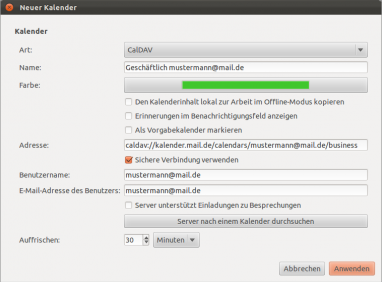
Enter the following details in the form:
- Type: CalDAV
- Name: any name you prefer
- Color: any color
- Address: https://kalender.mail.de/calendars/mustermann@mail.de/business/
The address always consists of "https://kalender.mail.de" plus the internal name of the specific calendar.
Example: /calendars/mustermann@mail.de/business/.
You can find the internal calendar names of your mail.de calendars under:
"calendar/external access/internal calendar names" - Use secure connection: check this box
- Username: your mail.de login/username
- User email address: your mail.de email address
- Type: CalDAV
-
Click "Apply".
-
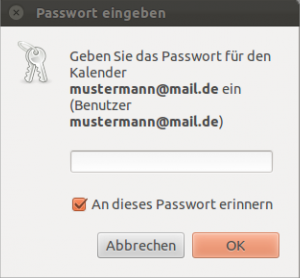
Enter your mail.de password and click "OK".
-
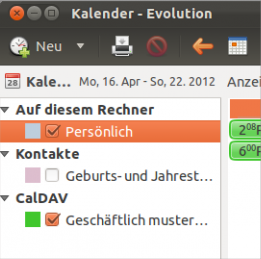
The calendar will now appear in the left panel, events will be displayed, and synchronization will start automatically.