Search help: Enter your search terms here
Answering Machine Function of Your Personal Fax Number
Your personal fax number also has an answering machine function. This is activated by default, but you can of course deactivate it in the settings mode under "Messages / Fax / Answering Machine". When the answering machine functionality is activated, a short text is announced to every caller to your personal fax number with the request to leave a message. Any message left will be forwarded to the inbox of your mail.de mailbox. From there you can listen to the message at any time and from any place. How to activate / deactivate the answering machine function:
-
Log in on the login page with your access data.
-
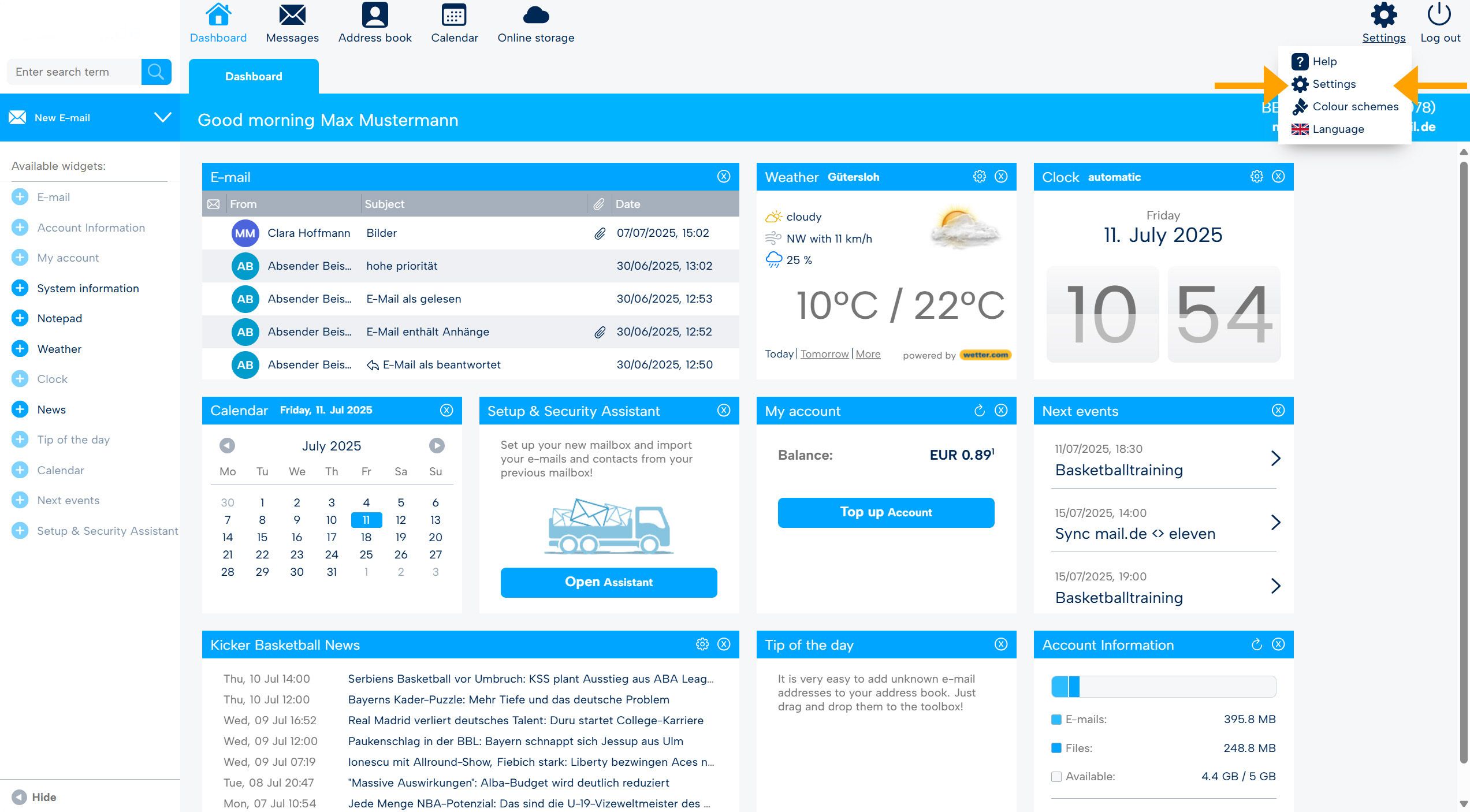
Navigate to the settings by moving the mouse pointer to the gear wheel at the top right and then clicking on "Settings".
-
Select "Messages" in the top bar and Fax in the tab.
-
Click on "Answering Machine" in the left menu and activate or deactivate the function.
-
Then click on "Save".

